
Grand Theft Auto VI is launching on November 19, 2026 and gamers and content creators are gearing up to broadcast their first experiences in the fictional world of Vice City.
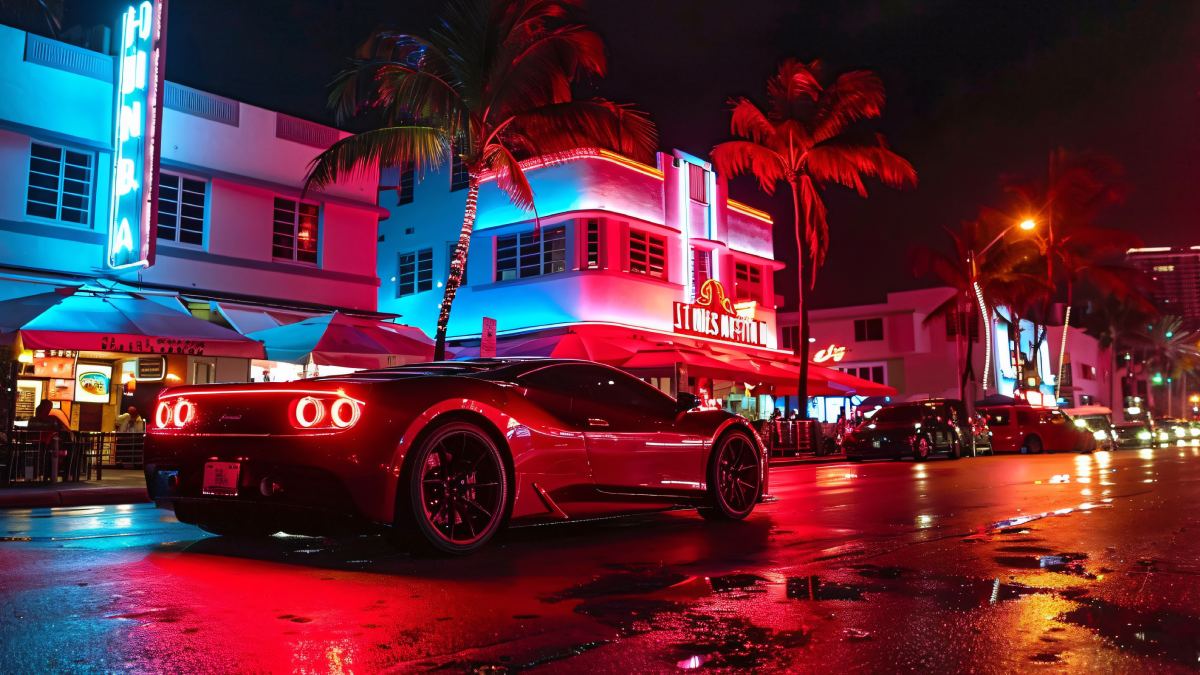
The release will have a large streaming audience (YouTube, Twitch and X) because creators are going to share gameplay, missions and reactions there as well.
The good news is that players don’t need expensive equipment to start streaming. PlayStation 5 and Xbox Series X | S both have built-in broadcasting options (platforms differ), but not necessarily the same ones.
Here is a step-by-step guide to streaming GTA 6 from your console.
How to Stream GTA 6 Directly From PS5
PlayStation 5 lets you directly broadcast to YouTube and Twitch. Players can start streaming without connecting their console to a computer or buying a capture card.
Follow these steps:
- Launch GTA 6 on your PS5 or PS5 Pro.
- Press Create on your DualSense controller.
- Select the Broadcast option.
- Choose YouTube or Twitch.
- Sign in and link your streaming account if required.
- Add a stream title and adjust microphone, camera and video settings.
- Select Go Live to start broadcasting.
Players can control broadcast quality through Settings under Captures and Broadcasts.
A compatible headset can be used by creators to do live commentary; a supported camera can be used for facecam streaming.
How to Stream GTA 6 From Xbox Series X and Series S
Xbox users can also stream GTA 6 gameplay directly through their console (Twitch is built in as the streaming option).
Here is how to begin:
- Launch GTA 6 on your Xbox console.
- Press the Xbox button on the controller.
- Open Capture & Share.
- Select Live Streaming.
- Connect your Twitch account using the on-screen instructions or QR code.
- Change the stream title, microphone volume and video quality.
- Select Go Live Now.
Unlike PS5, Xbox doesn’t have the same built-in YouTube broadcasting option. Players wanting to stream Xbox gameplay on YouTube will generally need a PC based setup.
Do You Need a Capture Card to Stream GTA 6?
No. You don’t need a capture card if you are using the built in broadcasting options on PS5 or Xbox.
However, a capture card becomes useful when creators want more control over their livestreams.
It allows players to send console gameplay onto a computer and use broadcasting software (e.g. OBS Studio). This setup has additional features such as:
- Custom overlays and stream graphics
- Multiple camera angles
- Better control over game and microphone audio
- On-screen alerts and notifications
- Broadcasting to platforms without direct console support
For beginners, direct console streaming is usually the easier option. More experienced creators may prefer a capture card and PC setup.
How to Stream GTA 6 on YouTube, Twitch and X
Different platforms have different broadcasting requirements.
Different platforms have different broadcast requirements.
YouTube: PS5 users can broadcast straight away after linking their YouTube accounts. Xbox users generally need PC, capture card and broadcasting software (OBS Studio for example).
Twitch: PS5 and Xbox Series X|S support direct Twitch streaming. Users have to connect their accounts before starting a broadcast.
X: Creators can use supported broadcasting software to stream gameplay (accounts must have the required live streaming features enabled).
Instagram: Streaming gameplay generally requires an external set up and access to Instagram Live Producer (if available). Vertical video format can also make traditional widescreen gameplay less convenient.
For YouTube and other PC-based broadcasts creators should check platform eligibility and live streaming requirements before launch day.
How to Improve Your GTA 6 Livestream
Lots of creators will be streaming GTA 6 during its launch so a bare bones broadcast might not be enough to get people in the game.
A few practical improvements make the experience better:
- Use a stable internet connection (wired is best).
- Invest in a good microphone or gaming headset.
- Pick a clear stream title that has GTA 6 and your language in it.
- Test audio and video settings before going live.
- Avoid unnecessary background noise.
- Check upload speed to avoid buffering and dropped frames.
- Post short clips from interesting gameplay moments on social media.
Creators should also be aware of copyrighted music (in-game radio tracks) which may lead to content claims or restrictions on streaming platforms.
Can GTA 6 spawn a new generation of gaming streamers?
GTA V and GTA Online have already helped create large streaming communities. xQc, Buddha, Lord Kebun and PENTA gaming creators have attracted huge audiences through GTA roleplay and related content.
According to Streams Charts data cited by News9 xQc had 2.27 crore hours watched for GTA content in 2026, Buddha with 1.59 crore and Lord Kebun with 1.23 crore.
GTA 6 could be another major opportunity for gaming creators especially if PC players are waiting for an official version. But will it draw a regular audience? Content quality, consistency in commentary and offering viewers something more than gameplay will all depend on that.
Final Thoughts
Streaming GTA 6 doesn’t have to cost a lot of money or require a complicated set up. PS5 and Xbox users can start broadcasting directly to supported platforms now, but capture card and PC give creators more options if they want professional looking streams too.
As the November 19 release date is fast approaching, players who plan to livestream should connect their accounts, test equipment and check platform requirements before launch.
A little preparation can go a long way to make sure that the first trip to Vice City is live without unnecessary technical problems.




Comments