
A high refresh rate gaming monitor can make a real difference when playing fast-paced games, e.g., competitive shooters, racing games and games with camera movement. Although 60Hz displays can still be used to compute in the lab, 144Hz, 180Hz or 200Hz can allow for smooth motion when the connected PC or console can produce enough frames.
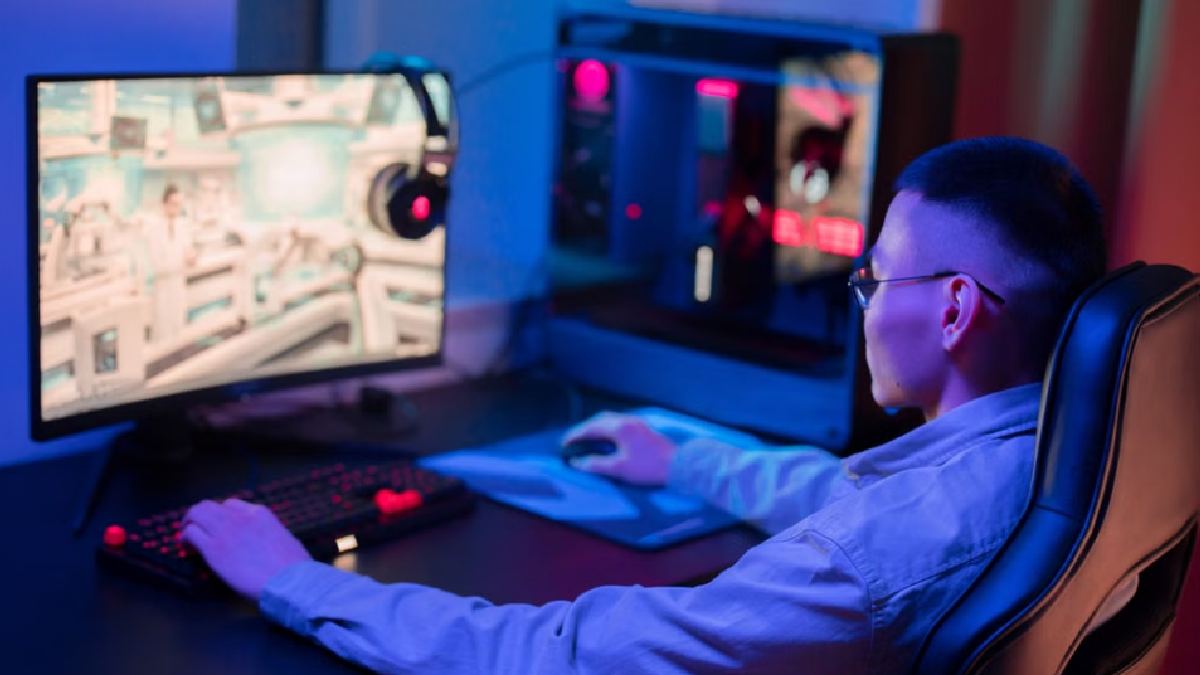
However, refresh rate is only one factor to consider when selecting a gaming monitor. Resolution, response time, panel technology, adaptive-sync support, brightness and stand adjustment can all play a role in the overall experience. A variety of gaming monitors are currently available (Full HD to QHD and refresh rates up to 200Hz).
Lenovo Legion R27qe Gen 2
The Lenovo Legion R27qe Gen 2 is a 27-inch QHD IPS gaming monitor with an eye-first 200Hz refresh rate. It is 2560x1440 with up to 0.5ms MPRT response time and has very sharp visuals and fast motion, making it suitable for both sharp visuals and fast motion.
The monitor also supports AMD FreeSync Premium and VESA Adaptive Sync. Its stand can tilt, swivel, pivot and adjust in height, giving users more flexibility during extended gaming or work sessions. The display covers 99 per cent of the sRGB colour gamut and up to 400 nits of brightness.
ViewSonic VX2758A-2K-PRO-4
The ViewSonic VX2758A-2K-PRO-4 features a 27-inch QHD IPS panel with 180Hz refresh rate and 1ms MPRT response time. It supports AMD FreeSync and NVIDIA G-Sync support so that screen tearing and stuttering can be prevented when frame rates vary.
The monitor also supports HDR10 and has an adjustable stand with height, swivel, tilt and pivot functions. So it’s well placed to be used for gaming but also for general multimedia and productivity use as a display.
Acer SA272U P1
Acer SA272U P1 is a 27-inch WQHD IPS monitor with 144Hz refresh rate. It has a 2560x1440 resolution and a 1ms VRB response time.
The monitor also has HDR10, AdaptiveSync, HDMI 2.0 and DisplayPort 1.4. The built-in speakers and small size of the monitor allow for use in both gaming as well as everyday work.
LG UltraGear 24GS65F
LG UltraGear 24GS65F is a more compact configuration with a 23.8-inch Full HD IPS display. Its 180Hz refresh rate and 1ms response time are ideal for smooth and responsive gaming, while NVIDIA G-SYNC support and AMD FreeSync provide adaptive-sync support.
With 99 per cent sRGB coverage, HDR10 support and a stand that offers height, tilt and pivot adjustment, the monitor is aimed at gamers who prioritize speed and responsiveness over the additional detail provided by QHD resolution. It can handle smaller gaming desks as well.
Zebronics S27A
The Zebronics S27A is another 27-inch QHD option with 200Hz refresh rate and 1ms MPRT response time. It has a Fast IPS panel and Adaptive Sync support, and its colour coverage is 125 per cent of sRGB.
All the features are present on the monitor, with built-in speakers and a highly adjustable stand supporting height, pivot, swivel and tilt adjustments. It can be used for gaming with a 2560x1440 resolution and a 200Hz refresh rate.
Dell S2425HSM
Dell S2425HSM is a more versatile option for users who divide their time between work and casual gaming. It features a 23.8-inch Full HD IPS panel with 144Hz refresh rate and a 1ms MPRT mode.
AMD FreeSync is included, as well as the ergonomic stand for height, swivel, pivot and tilt settings. The monitor also has dual speakers, making for a more natural desk setup without separate basic desktop speakers.
Lenovo LOQ 27-10
The Lenovo LOQ 27-10 has a 27-inch Full HD IPS display with 200Hz refresh rate and response time up to 0.5ms MPRT. It supports HDR10, AMD FreeSync Premium and VESA Adaptive Sync.
Like the QHD monitors on this list, the LOQ 27-10 is aimed at achieving high frame rates at Full HD resolution. This is good for gaming consoles as they tend to concentrate on frame rate and not resolution (PS5, Xbox One X).
What should I watch for before buying a gaming monitor?
The decisions between these displays ultimately depend on the type of games you play and the gaming hardware you have available. A 144Hz monitor is already a huge step forward from a standard 60Hz monitor (as opposed to a 60Hz monitor, so you could also use 180Hz and 200Hz models if you can reliably feed them faster frame rates when your PC can produce faster frames.
Resolution is also an important factor. QHD generally provides sharper visuals than Full HD (in larger 27-inch displays). Full HD can still be used to compete for high frame rates or for gaming users with less powerful graphics hardware.
Response-time figures also need careful attention because manufacturers may quote MPRT and GtG measurements, which are different metrics. Adaptive-sync technologies such as FreeSync, G-SYNC compatibility and VESA Adaptive Sync can further help reduce tearing and stuttering when frame rates vary.
If you are moving from a 60Hz or 75Hz monitor to a 144Hz or faster display, the biggest difference in gaming setup can be the change of resolution, GPU performance, response time and screen size. When you can’t choose a single specification, you’ll get better out of it.






Comments