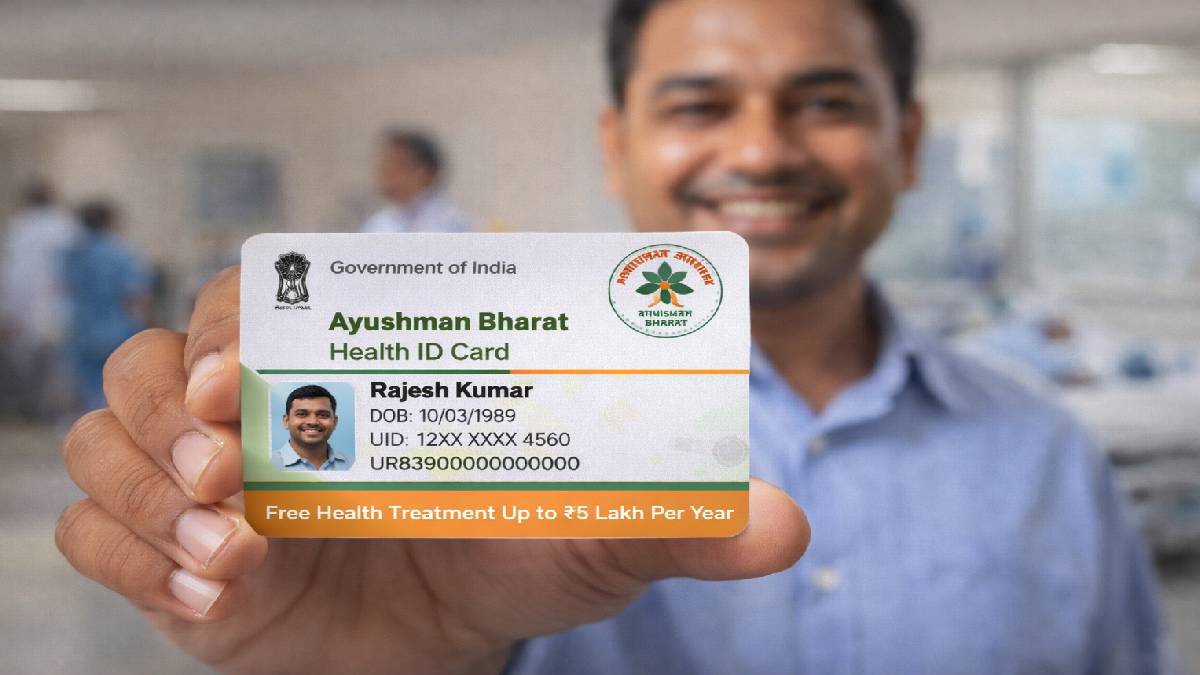


Getting an Ayushman Bharat Pradhan Mantri Jan Arogya Yojana (PM-JAY) card has been made easier with the launch of Ayushman Sarathi, an official WhatsApp chatbot introduced by the National Health Authority (NHA).
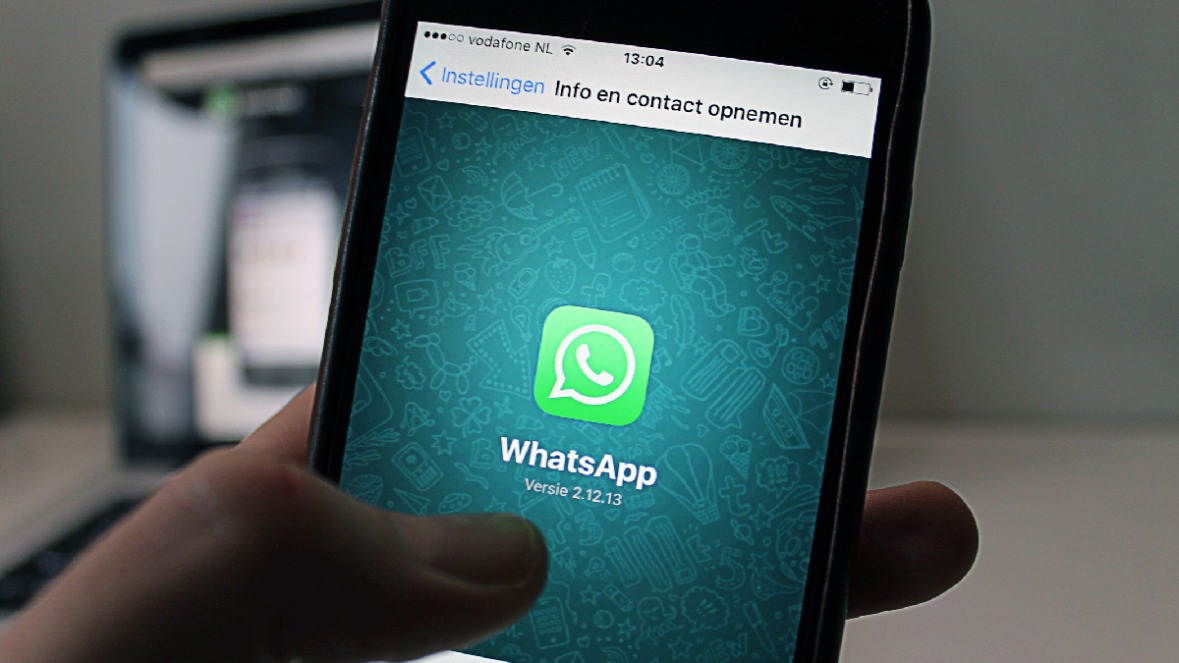
The chatbot allows eligible beneficiaries to apply for a new Ayushman Card, check eligibility, complete eKYC, download an existing card and access several PM-JAY services—all through WhatsApp, eliminating the need to visit a Common Service Centre (CSC) or government office for routine tasks.
What is Ayushman Sarathi?
Ayushman Sarathi is the NHA’s official WhatsApp-based digital assistant that offers 24x7 support for beneficiaries under the Ayushman Bharat PM-JAY scheme.
The chatbot has menu-based navigation, so users can access various services directly from their smartphones.
The official Ayushman Sarathi WhatsApp Number: +91 72908 23838.

Users are advised to use only this official number and never share Aadhaar details, OTPs or other sensitive information with unknown contacts that are not known for providing Ayushman Card services.
How do I apply for an Ayushman Card on WhatsApp?
For eligibility to apply for Ayushman card, the Ayushman card can be applied for in these steps:
Save the official Ayushman Sarathi WhatsApp number (+91 72908 23838). Open WhatsApp and send "Hi" or "Hello". Select "Apply for Ayushman Card" from the chatbot menu. Enter your registered mobile number and Aadhaar-related details when prompted. Verify your identity with the OTP sent to your registered mobile number. If eligible under PM-JAY, complete the eKYC process by following the on-screen instructions. Once verification is complete, your Ayushman Card will be generated and can be downloaded directly from the WhatsApp chat.
In some cases, additional verification will be needed before the card is issued.
Services available through Ayushman Sarathi
Apart from applying for a new card, the chatbot also allows users to:
Check PM-JAY eligibility
Download an existing Ayushman Card. Complete or update eKYC. Update or link Aadhaar details (if applicable). Lock or unlock card access (where supported). Find nearby empanelled hospitals. View treatment-related information. Access Ayushman Vaya Vandana Card services for senior citizens aged 70 years and older. Important Safety Tips
Since the Ayushman Card process involves identity verification, beneficiaries should:
Make use only of the official WhatsApp number: +91 72908 23838. Never share OTPs, Aadhaar numbers or banking details with unknown people. Beware of fraudsters demanding money to issue an Ayushman Card unless it is part of an officially notified government process. Check all the details of the card after downloading it. Keep both a digital and printed copy for hospital visits.
Beneficiaries should also confirm that the hospital they plan to visit is empanelled under PM-JAY and that the required treatment is covered under the scheme before seeking cashless medical care.