
On August 11, 2025, Apple released the sixth developer beta of iOS 26 and continued to work on the new iPhone software for release. It was released a week after beta 5 and the designs and experience for it were a little different.
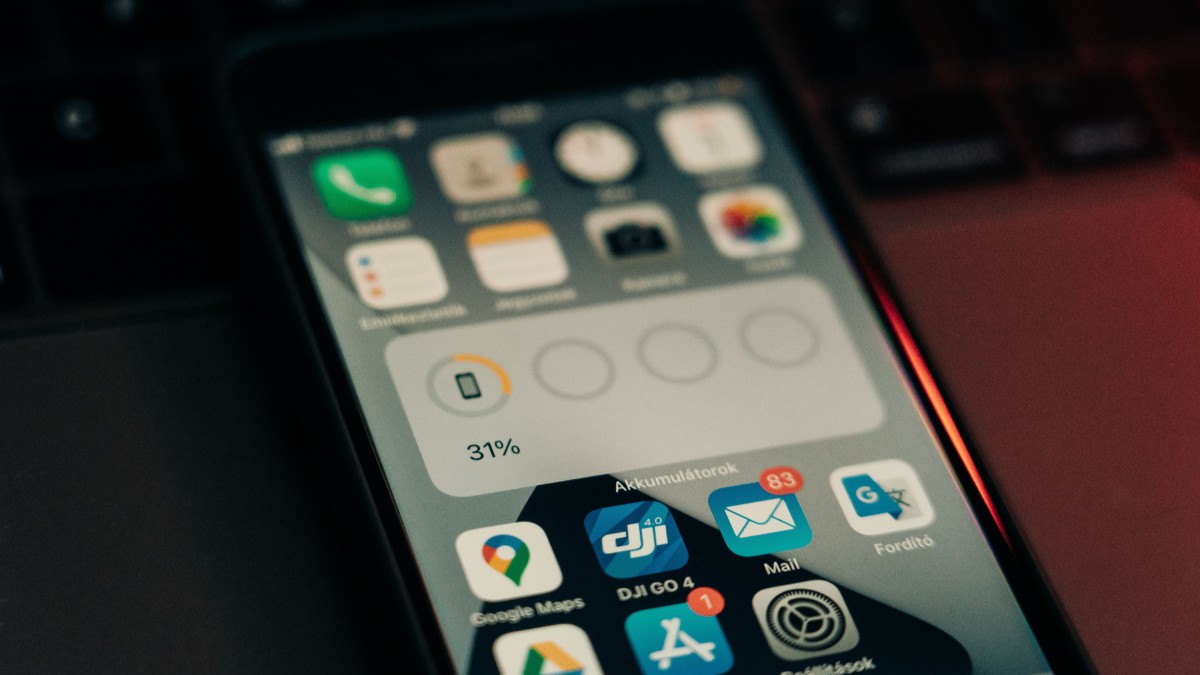
Beta 6 doesn’t have the same huge list of new features as the first few beta versions for iOS 26. Apple has been working on improving the software and fixing the bugs before the final version comes out. The update also sees changes to the Liquid Glass design, ringtones, faster app animations, and an important change to the Camera app.
Apple is also working on improving the new Liquid Glass design so iOS 26 looks even more transparent and glass-like. And since the beta process has been out for quite a while, the company has made some small changes based on feedback.
What is new in iOS 26 beta 6?
One of the most noticeable features in Beta 6 is the new collection of ringtones. Apple has now added several new versions of the popular Reflection ringtone. These include Buoyant, Dreamer, Tech, Pop, Reflected, and Surge. There is also a completely new ringtone called Little Bird.
The update also changes the way some parts of the Liquid Glass design look. The Lock Screen clock now appears more transparent and has a stronger floating glass effect. Apple has also added a more noticeable Liquid Glass effect to some buttons and toggles.
Apple has also changed the navigation bars in some apps. The company seems to be trying to find the right balance between transparency and readability. Some areas are more transparent while others are somewhat more solid so that users can easily read the text.
Another thing that is different in the opening and closing app animations is the animation. Apple has made the animations more rapid and much smoother. Also, the new animation has a little bit of bounce, so it is more lively.
The Camera app has also made a big change. In beta 5, Apple introduced an option that lets users choose between the new camera mode movement and the old one. In beta 6, Apple removed that option and returned the Camera app to the original swipe direction.
Apple has also added a new opening experience once users install the software. The screen brings the user through all the major changes in iOS 26, including the Liquid Glass design and the rest of the operating system.
The Preview app has also received some design changes. Apple has made the buttons for creating and scanning documents easier to find. Small changes may seem insignificant, but they make the app easier to use.
As with any beta software, Apple has done everything to fix bugs and make it more stable too. But beta software can still have bugs and there are still defects, so users should be cognizant of the beta software before installing it on their iPhone.
Which iPhones support iOS 26?
iOS 26 supports iPhone models starting with the iPhone 11 series and newer devices. It also supports the second-generation iPhone SE and third-generation iPhone SE.
The supported models include:
• iPhone 11
• iPhone 11 Pro
• iPhone 11 Pro Max
• iPhone SE second generation
• iPhone 12 and 12 mini
• iPhone 12 Pro and 12 Pro Max
• iPhone 13 and 13 mini
• iPhone 13 Pro and 13 Pro Max
• iPhone SE third generation
• iPhone 14 and 14 Plus
• iPhone 14 Pro and 14 Pro Max
• iPhone 15 and 15 Plus
• iPhone 15 Pro and 15 Pro Max
• iPhone 16 series
• iPhone 16e
Apple Intelligence features require newer compatible hardware, so not every iPhone that can install iOS 26 will get every AI feature. Apple says some iOS 26 features are limited to newer iPhone models.
How to download iOS 26 beta 6?
Users who are already in Apple's beta programme can download the update directly from their iPhone.
Open Settings and then Software Update. Select the beta app for iOS from the list and download the update.
Before installing beta software, it is a good idea to back up your iPhone. The beta versions are still being tested and can cause battery drain, app problems, or other unexpected issues.
Apple released iOS 26 Beta 6 mainly as a refinement update. The major changes are subtle, and so are the improvements; they make the software feel more refined as Apple gets closer to the final version.
The new ringtones, faster animations, improved Liquid Glass design, and Camera changes show that Apple is paying attention to the smaller details. With the final release getting closer, these changes could be among the last major adjustments before iOS 26 reaches regular iPhone users.






Comments