


X, formerly known as Twitter, is still adding features that allow users to connect and interact with others on the platform. One such feature that users might come across is the X Number, a code that can be generated, shared and refreshed in the X app. This feature is especially useful when users want to connect with others without manually searching for an account or typing a username.
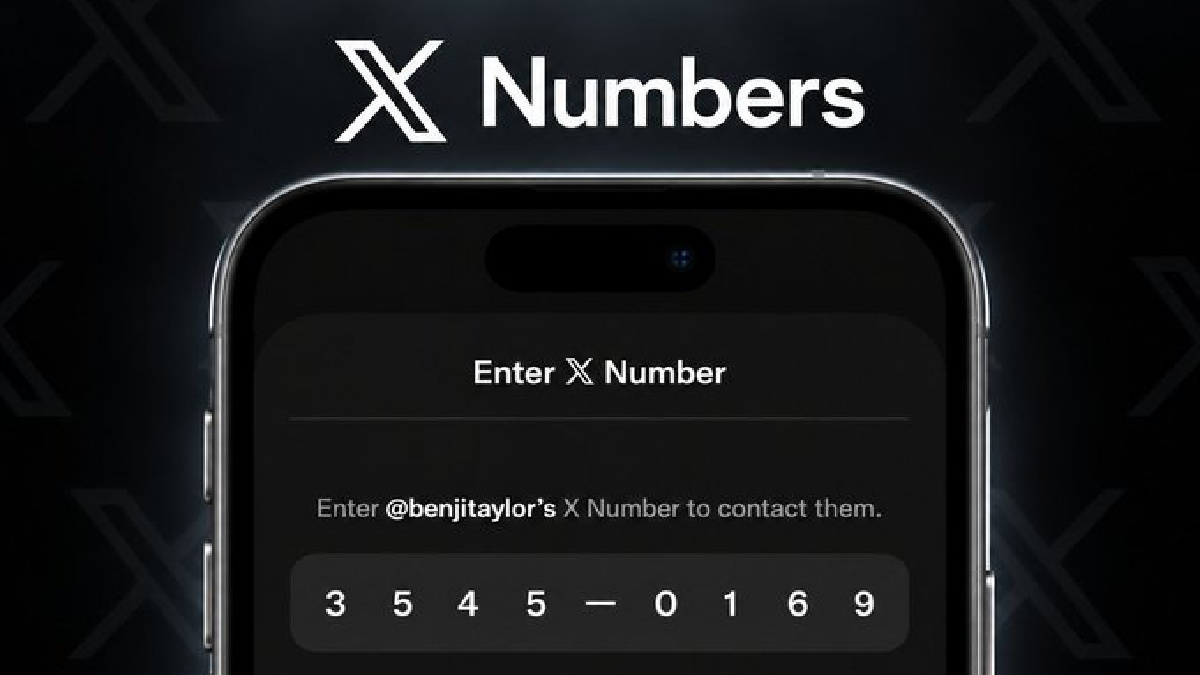
An X Number can be understood as a temporary or shareable identification code for the account or connection feature provided by X. Users can use the generated code to make it easier for another person to find or connect with them rather than just using an @username. Depending on the X app or the feature rollout available to an account, the exact location and wording of the option may differ.
How To Create An X Number
The process of creating an X Number typically begins from the X mobile application. Users should first be signed in to the correct X account and updated to the latest version of the X app.
Open the X app and look for the relevant account, profile or connection option where the X Number feature is available. Once the option is open, the app can generate a unique code. It is shown on the screen and can then be shared.
The code should be reviewed before sending it to another person. Because X has been updated in its interface and features frequently, some accounts may see the option in a different location or may not have access to it yet.
How Can You Share Your X Number?
Once an X Number has been generated, it’s relatively easy to share it. It can be copied and sent from a messaging app, email or any other communication app. Users can also share directly with someone who is physically nearby by showing the code on their phone.
What Is The Advantage Of Using A Code?
However, users should not post private and important information alongside their code in public posts or forums. Before sharing any account-related code, it is important to check what access or connection the code is intended to provide.
How Can You Refresh An X Number Code?
A major part of this feature is the ability to refresh the X Number. A refreshed code creates a new code, replacing the previous one for the relevant purpose.
Refreshing can be useful if a user has accidentally shared the previous code, wants to stop using an old code or simply wants to generate a new one. The refresh option, where available, can usually be found alongside the displayed X Number.
After selecting the refresh option, X will generate a new code. If X has done so, users should share the new code instead of the old code. If an old code is no longer valid after a refresh, then anyone who wants to use it will need to request the new code.
Why Would You Use An X Number?
The great benefit of an X Number is convenience. Social media usernames are hard to find, especially if many of the accounts have similar names. A generated code might be another way to find or connect with an account.
It can also help avoid mistakes when users share account information. Users can, instead of manually typing a long username, simply share the code.
This feature can be particularly useful when connecting with someone for the first time, sharing account information in person or using X’s newer account and connection features.
Things to Remember
The X app needs to be updated as features can change with the X app as X changes, so users need to keep it updated. If the X Number option is not visible, it might be because it hasn't been implemented for the account, region or version of the app yet.
Users should also not share codes unnecessarily. If the code is customised to a specific person or type of use, it is better to share it privately rather than posting it publicly.
In short, an X Number is an easy code-based way to share or establish an account connection on X. Users can create a code, share that code with another person, and refresh it if they want a new code. It is an ongoing process to update the X platform, and the exact steps and placement of the feature may change, so you should always refer to the latest version of the app when you are working on the application.