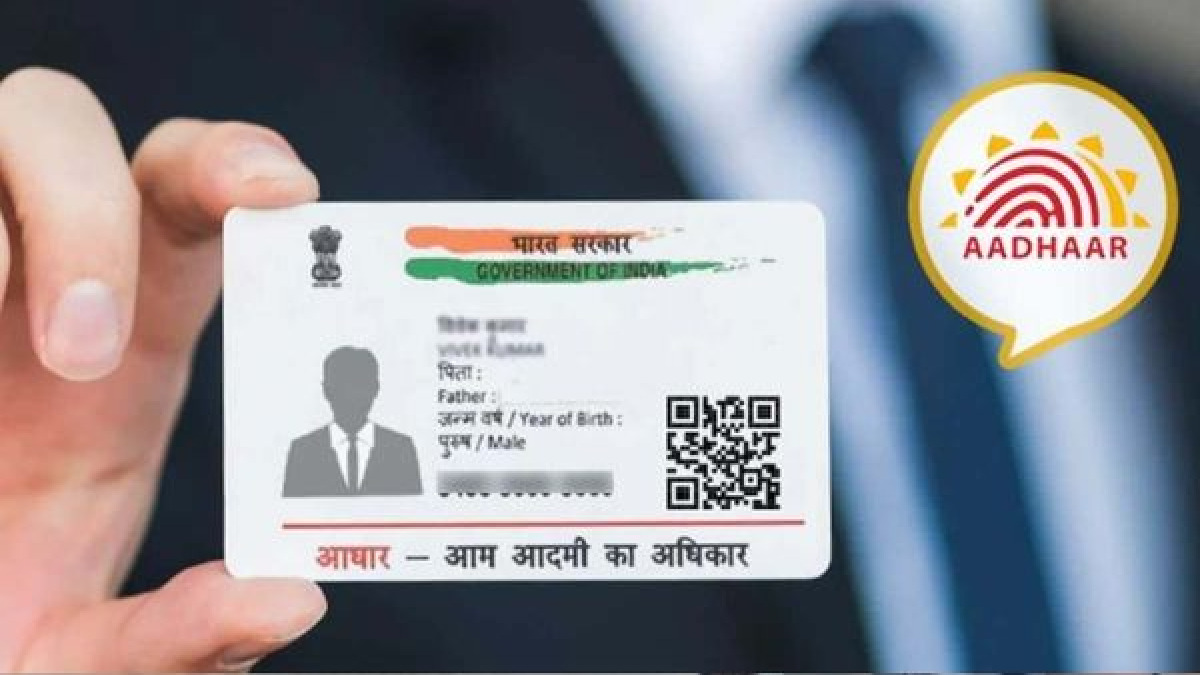


India’s cybercrime cells have issued an urgent warning regarding the rise of AePS (Aadhaar-enabled Payment System) fraud. Unlike traditional phishing where you might receive a suspicious link or an OTP request, this scam is silent. If a fraudster manages to get hold of your Aadhaar number and a copy of your fingerprint (which can be replicated using silicone or resin), they can bypass all traditional security layers.
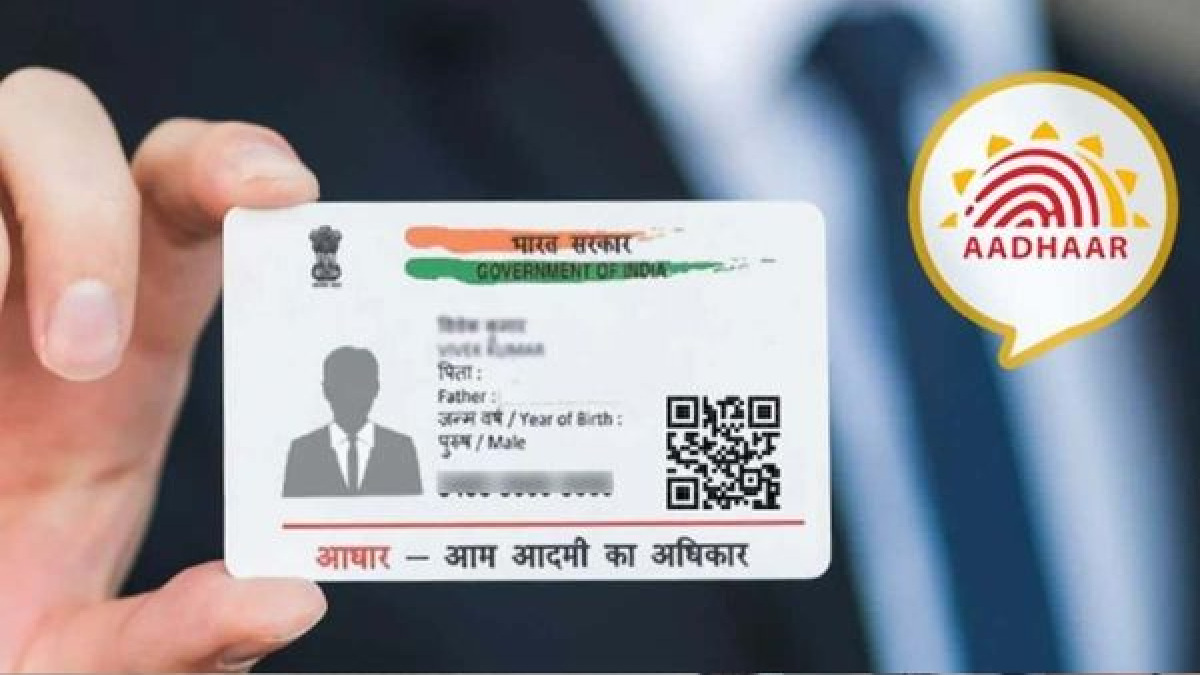
The "Small Mistake": Unlocked Biometrics
The fatal error most Aadhaar holders make is assuming that their biometric data (fingerprints and iris scans) is secure by default. In reality, unless you manually lock your biometrics, they remain "active" for authentication. Criminals exploit this by using high-resolution cameras or specialized software to clone fingerprints from public documents, such as sale deeds or government registry papers, and then using those clones at local Aadhaar-based withdrawal points.
Step-by-Step Guide to Securing Your Account
To ensure your hard-earned money stays safe, follow this essential guide to locking your Aadhaar biometrics immediately.
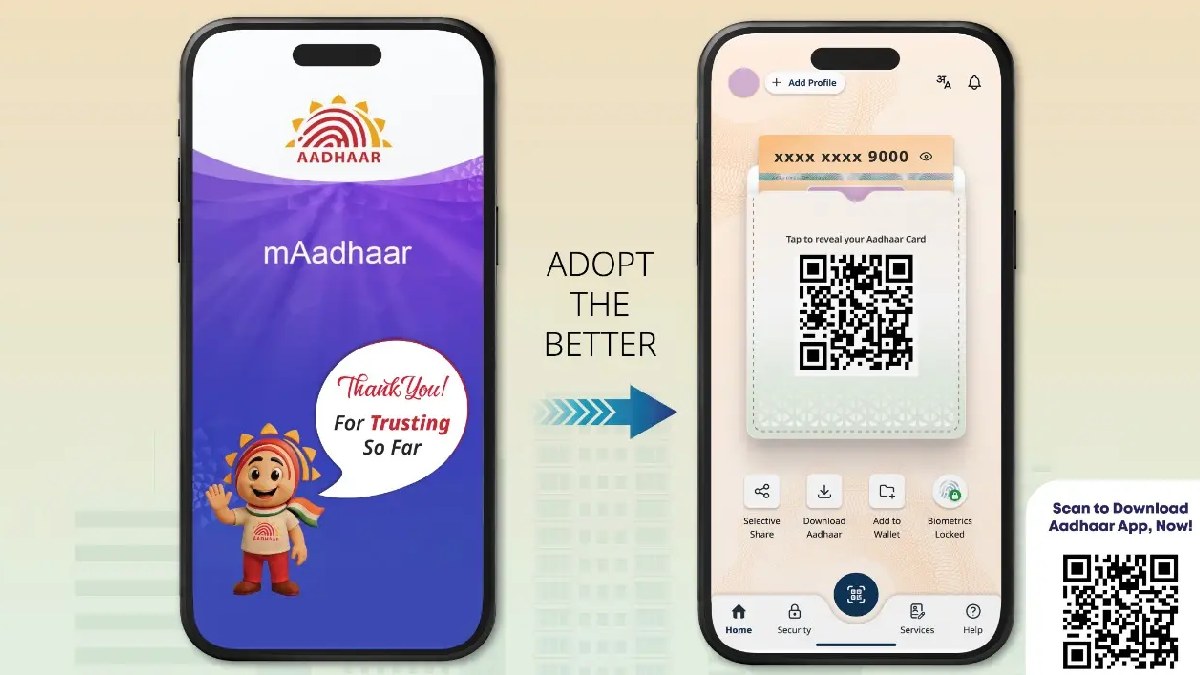
- Use the Official Portal or App Visit the official UIDAI website (uidai.gov.in) or download the mAadhaar app on your smartphone. Login using your 12-digit Aadhaar number and the OTP sent to your registered mobile number.
- Navigate to 'Aadhaar Services' On the dashboard, find the section labeled 'Lock/Unlock Biometrics'. This is the single most important toggle for your financial security.
- Enable the Biometric Lock Follow the prompts to enable the lock. Once activated, your fingerprints and iris scans will be disabled for any authentication request. If anyone tries to withdraw money using your Aadhaar at an AePS point, the transaction will fail with Error Code '330' (Biometrics Locked).
- Use 'Temporary Unlock' When Needed If you need to visit a bank or get a new SIM card that requires a fingerprint, you can use the app to temporarily unlock your biometrics for a 10-minute window. They will automatically re-lock after the time expires.
- Generate a Virtual ID (VID) Instead of sharing your actual 12-digit Aadhaar number for KYC, generate a 16-digit Virtual ID (VID) from the portal. This ensures your primary number remains private and protected from database leaks.
Immediate Action if You Detect Fraud
If you notice unauthorized transactions, call the national cybercrime helpline at 1930 immediately and report the incident on the cybercrime.gov.in portal. You should also contact the UIDAI helpline (1947) to report the misuse of your identity.