

The Central Board of Direct Taxes (CBDT) has set a critical deadline of December 31, 2025, for taxpayers to link their Permanent Account Number (PAN) with their Aadhaar card. While many have already completed this process, a specific notification (No. 26/2025) targets individuals who were allotted a PAN using an Aadhaar Enrolment ID before October 1, 2024.
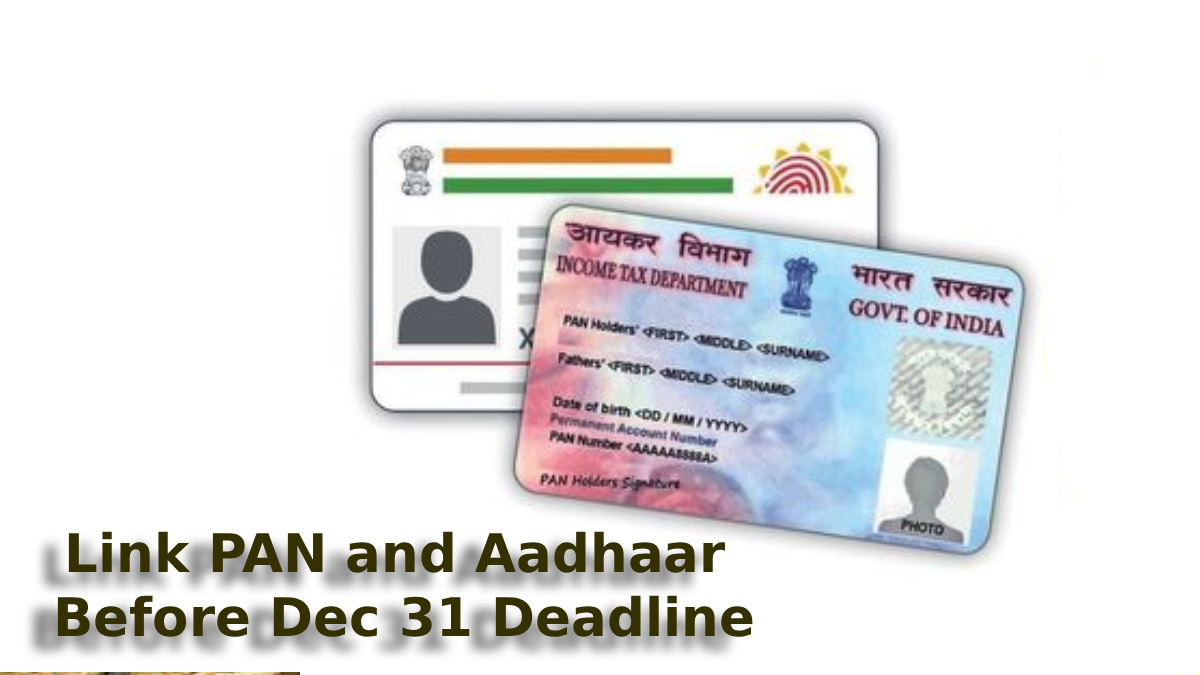
Failure to comply by this date will render the PAN inoperative from January 1, 2026, leading to severe financial disruptions, including blocked bank transactions and higher tax deductions.
How to Check Your PAN-Aadhaar Link Status
Before initiating a new request, check if your documents are already linked:
- Visit the official Income Tax e-Filing portal at www.incometax.gov.in.
- Under the 'Quick Links' section, click on 'Link Aadhaar Status'.
- Enter your 10-digit PAN and 12-digit Aadhaar Number.
- Click on 'View Link Aadhaar Status'.
- Success: A green checkmark will indicate that your PAN is already linked.
- Pending: You will be prompted to complete the linking process.
Step-by-Step Guide to Link PAN with Aadhaar
If you are not in the "free" category (those issued PAN via Enrolment ID before Oct 2024), you must pay a penalty fee of ₹1,000 before linking.
Step 1: Payment of Fee (if applicable)
- Go to the e-Filing portal and select 'e-Pay Tax'.
- Enter your PAN and mobile number for OTP verification.
- Select the Income Tax tile and choose Assessment Year 2026-27.
- Select 'Other Receipts (500)' as the type of payment. The ₹1,000 fee will be auto-filled. Complete the payment via UPI, Net Banking, or Debit Card.
Step 2: Submit Linking Request
- Wait 4–5 working days for the payment to reflect.
- Go back to 'Link Aadhaar' under Quick Links.
- Enter your PAN and Aadhaar details and click 'Validate'.
- Provide your Name as per Aadhaar and your mobile number.
- Enter the 6-digit OTP received on your phone and click 'Link Aadhaar'.